Browse all guides
← All guidesContact us
Create discount coupons
Set up percentage or fixed-amount coupon codes, with optional usage limits and expiry dates.
- 1
Start a new coupon
Go to Coupons → New coupon.

- 2
Set the code
Enter a code 3–30 characters long, using letters, numbers, and dashes only — uppercase is the usual convention (e.g. WELCOME10).

- 3
Choose the discount
Pick Percentage off (capped at 100%) or Fixed amount off (RM).

- 4
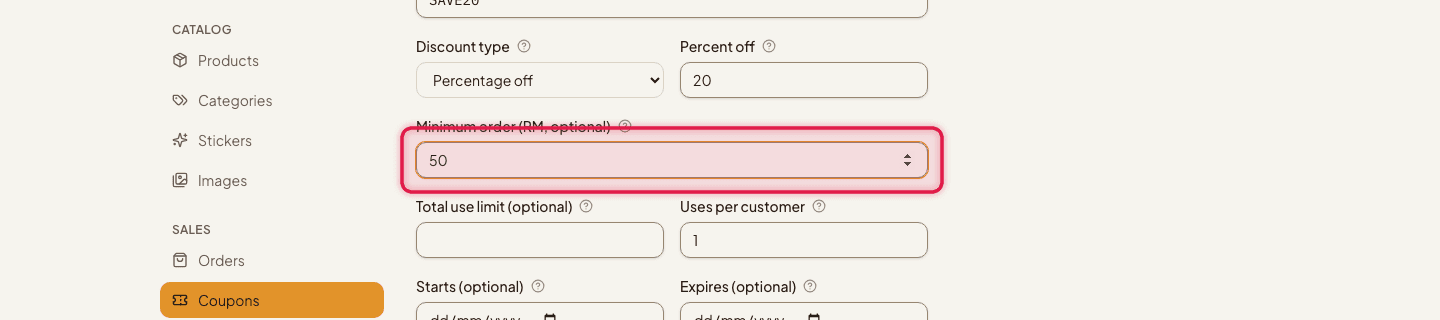
Add limits (optional)
Set a Minimum order amount, a total Use limit, and a Uses per customer limit — leave any of these blank for unlimited.
- 5
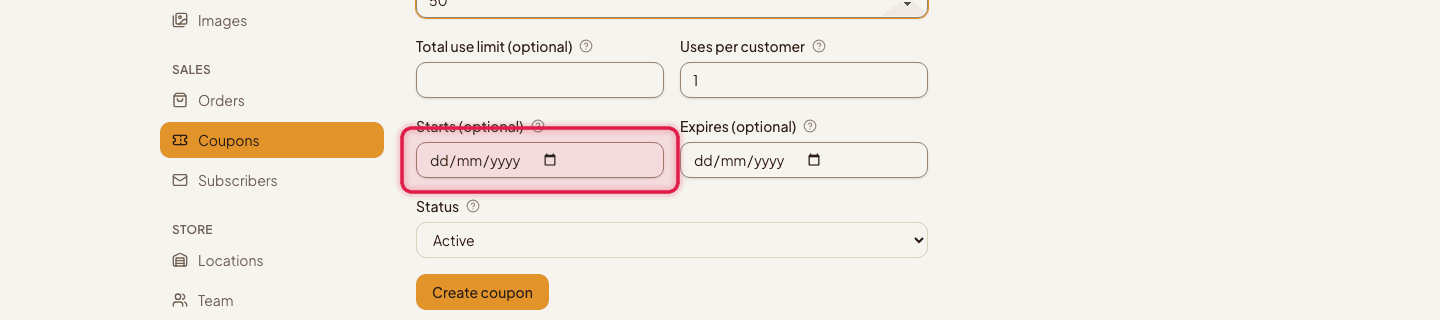
Set the schedule (optional)
Add a Starts date and/or an Expires date.
- 6
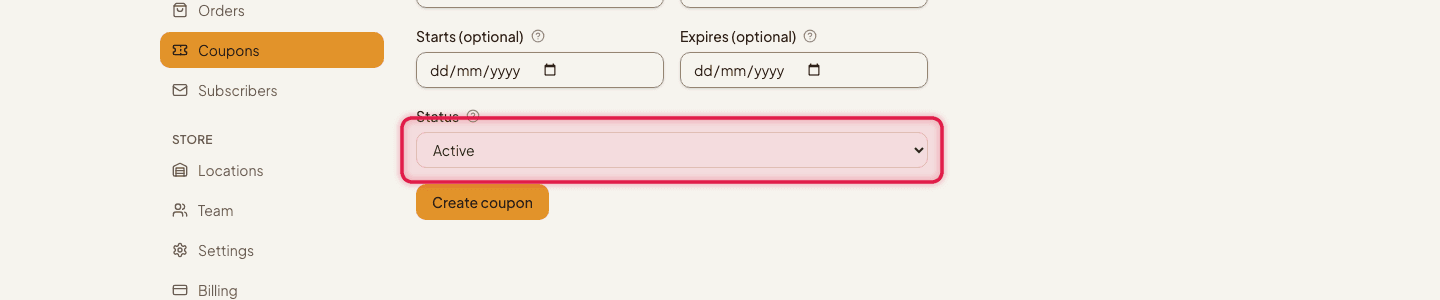
Set the status
Active makes it usable at checkout right away; Disabled keeps it saved but unusable.
Coupons are included on every plan, from Free up to Pro.
Still stuck?
Contact us and we'll help you sort it out.