Browse all guides
Book courier shipments for orders
Book a courier pickup for one order or many at once, straight from the Orders page.
Once an order has a real courier quote (not local pickup) and hasn't been booked yet, it becomes bookable on the Orders page.
- 1
Book a single order
Open the order and click Book — this books the shipment through Tokoo Shipping and charges the shipment cost to your card on file.
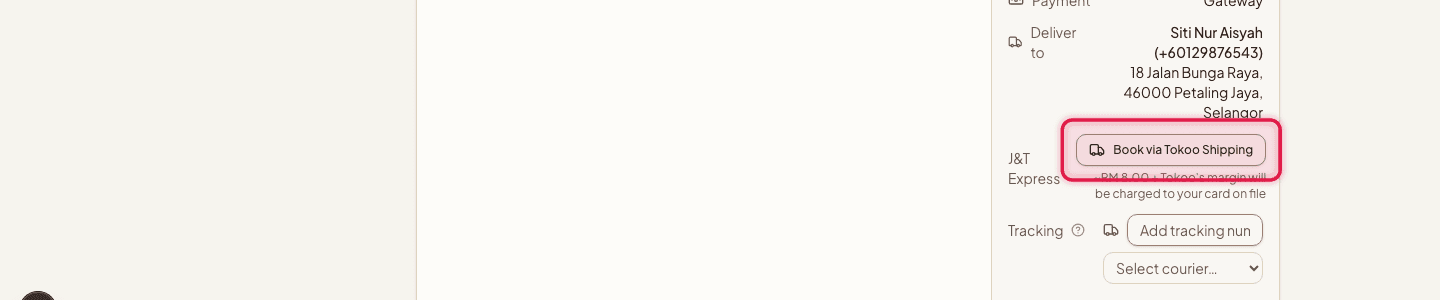
- 2
Book several at once
Select the checkboxes on multiple bookable orders, then use the bulk booking bar to book them all together.
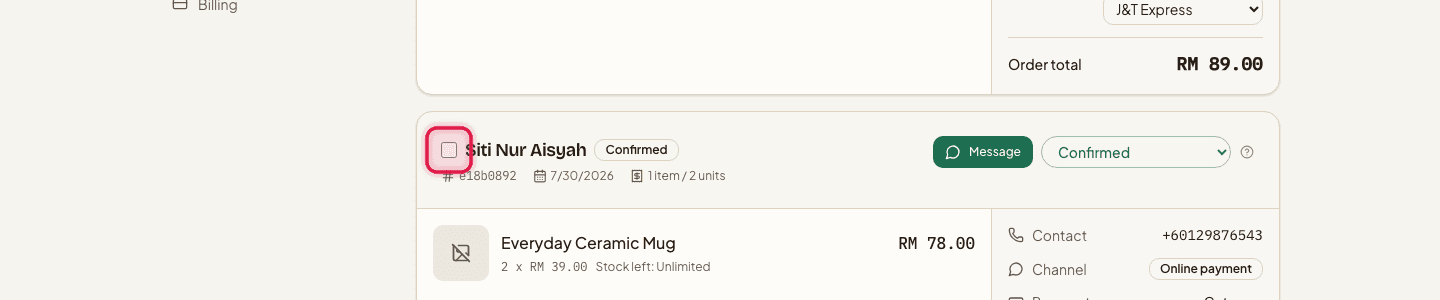
- 3
Print the shipping label
Once booked, download the shipping label from the order.
In bulk mode, one order's charge can fail while the rest succeed — check the result of each order after a bulk booking instead of assuming they all went through.
Tracking numbers and courier links are attached automatically once a shipment is booked — you don't need to enter them by hand.
Still stuck?
Contact us and we'll help you sort it out.