Browse all guides
← All guidesContact us
Highlight products with stickers
Build a sticker library once, then apply stickers like “New” or “Best seller” to individual products.
Stickers work in two steps: first you build a shared library of sticker images, then you apply them to whichever products you want, one product at a time.
- 1
Build your sticker library
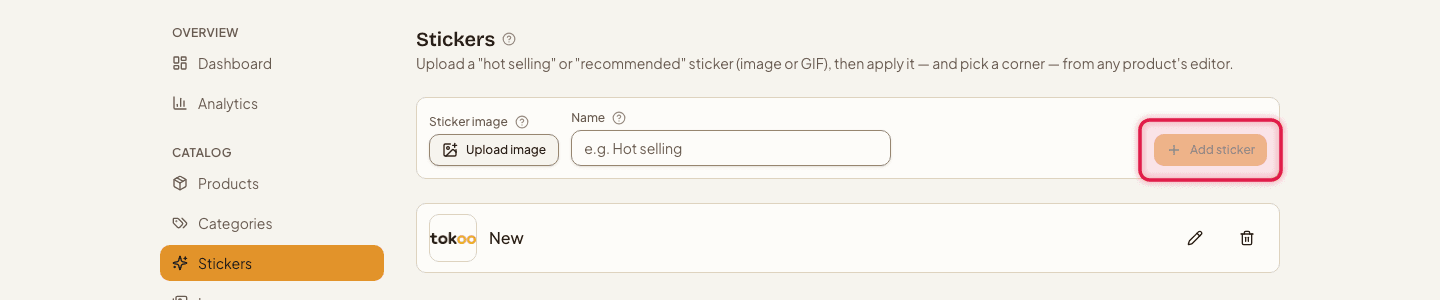
Go to Stickers, then add a sticker image (image or GIF) and give it a Name.
- 2
Apply a sticker to a product
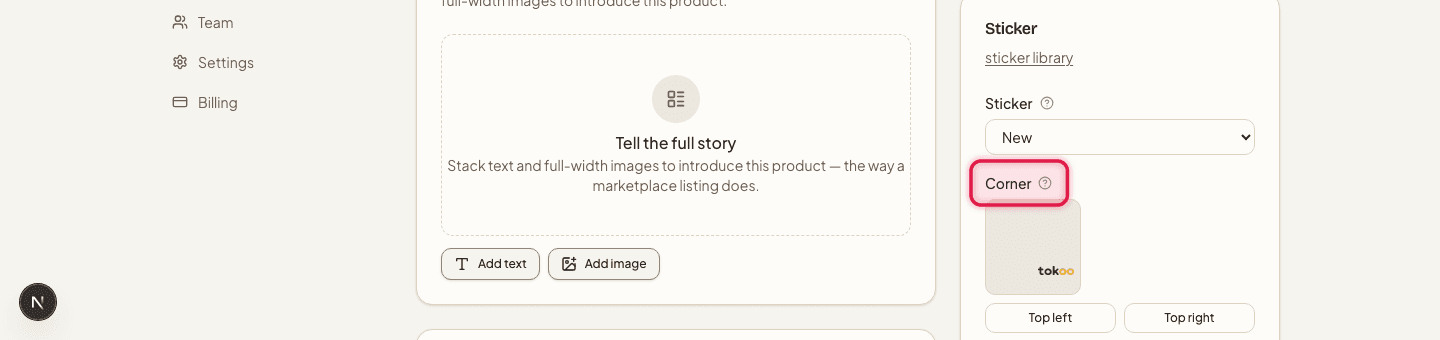
Open the product's edit page, choose a sticker from your library, then set which Corner it sits in (top-left, top-right, bottom-left, or bottom-right) and its Size (Small, Medium, or Large).
The same sticker can be reused across as many products as you like — you only need to upload the image once.
Still stuck?
Contact us and we'll help you sort it out.