Browse all guides
← All guidesContact us
Collect and export newsletter subscribers
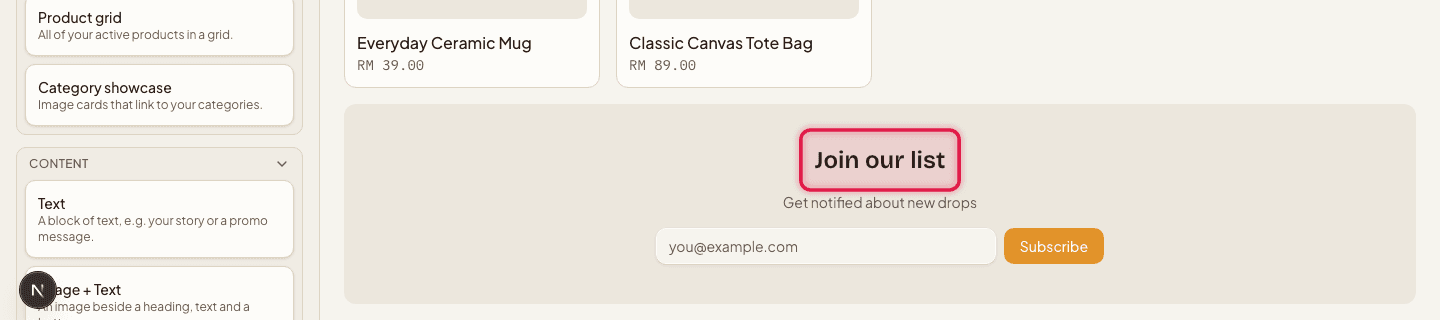
Add a Newsletter signup block to your homepage to start collecting emails, then export them anytime as a CSV.
There's no standalone signup form — customers subscribe only through a Newsletter signup block placed on your storefront.
- 1
Add the signup block
In the store editor, add a Newsletter signup block to your homepage (see the homepage blocks guide) and publish it.
- 2
Check your subscribers
Go to Subscribers to see every email address collected, newest first.

- 3
Export them
Click Export CSV to download the full list.

Re-subscribing with an email that's already on the list is a silent no-op — customers can't end up duplicated.
Still stuck?
Contact us and we'll help you sort it out.