Browse all guides
Add products, photos, and variants
Create a product with photos, pricing, and variants like size or color — each variant can carry its own price, image, and stock.
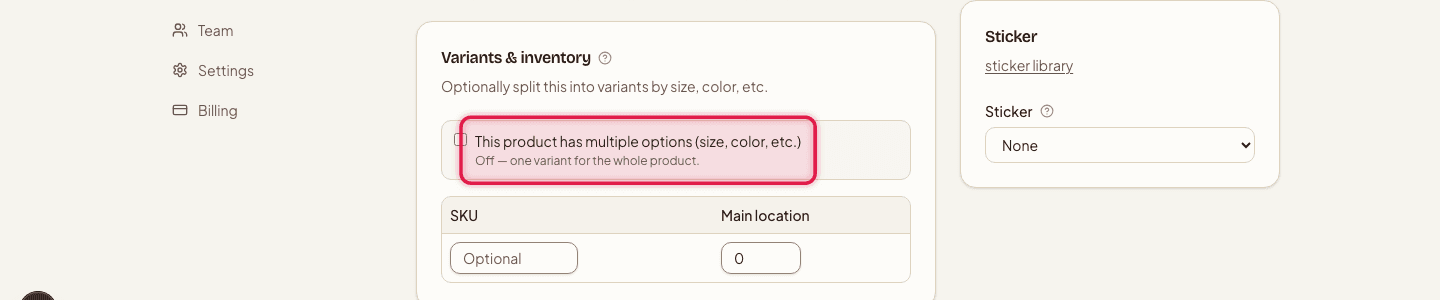
Every product needs at least one variant. If you don't set up options like size or color, Tokoo creates one implicit variant for you automatically.
- 1
Start a new product
Go to Products → New product.

- 2
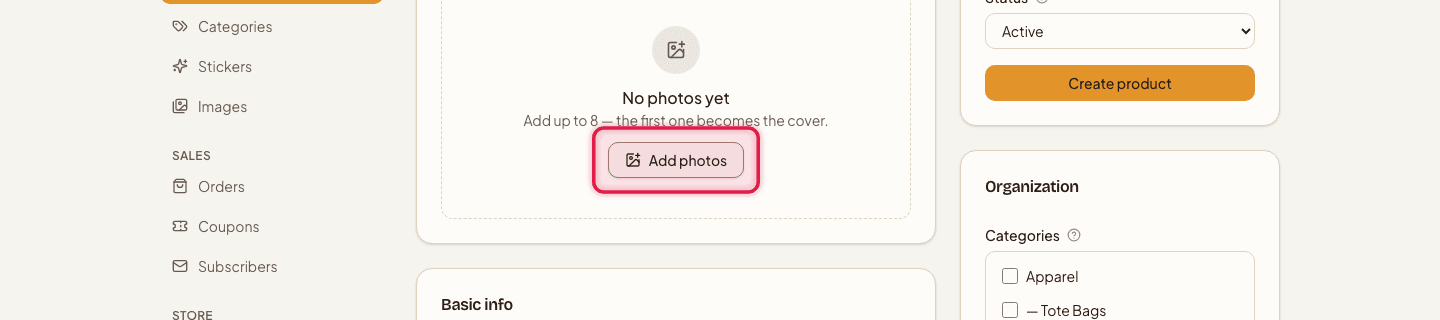
Add photos
Upload up to 8 photos.
- 3
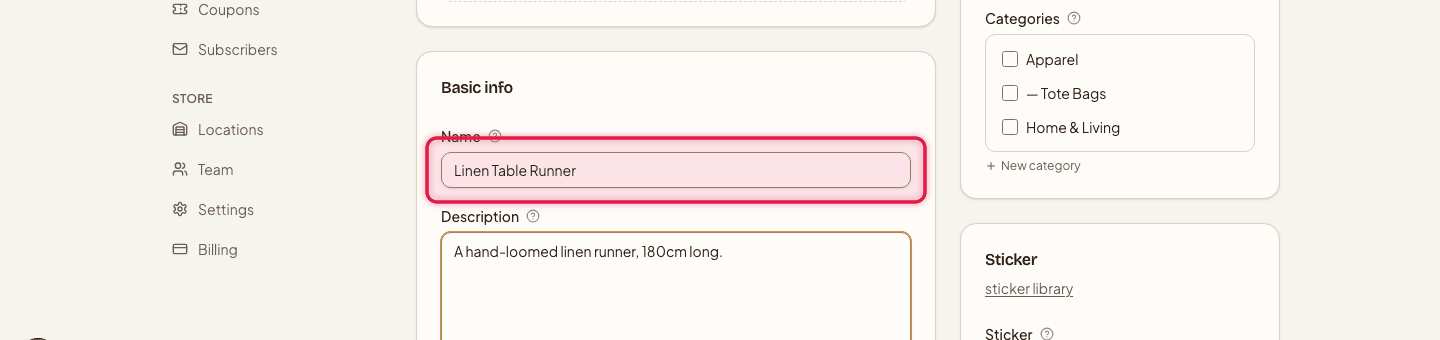
Fill in basic info
Add a Name and a short Description.
- 4
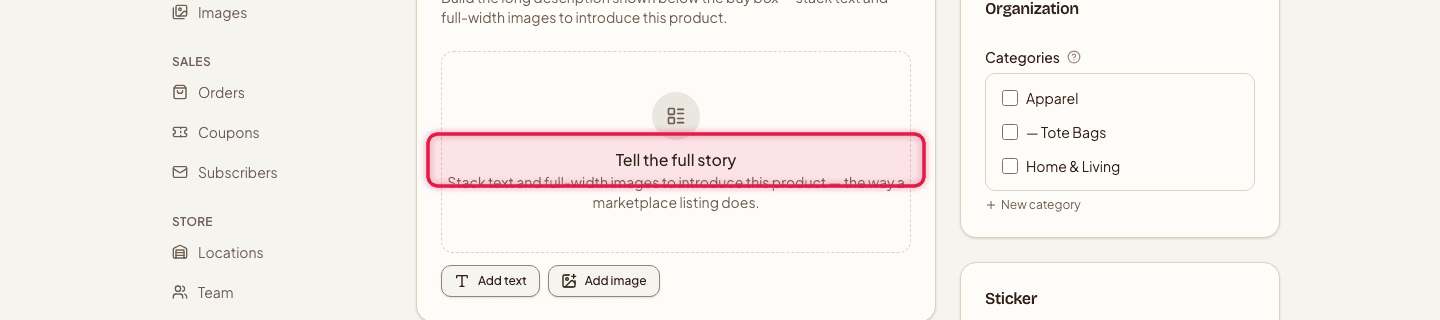
Add product details
Write a longer description using stacked text and image sections — up to 40 sections — to tell the full story of the product.
- 5
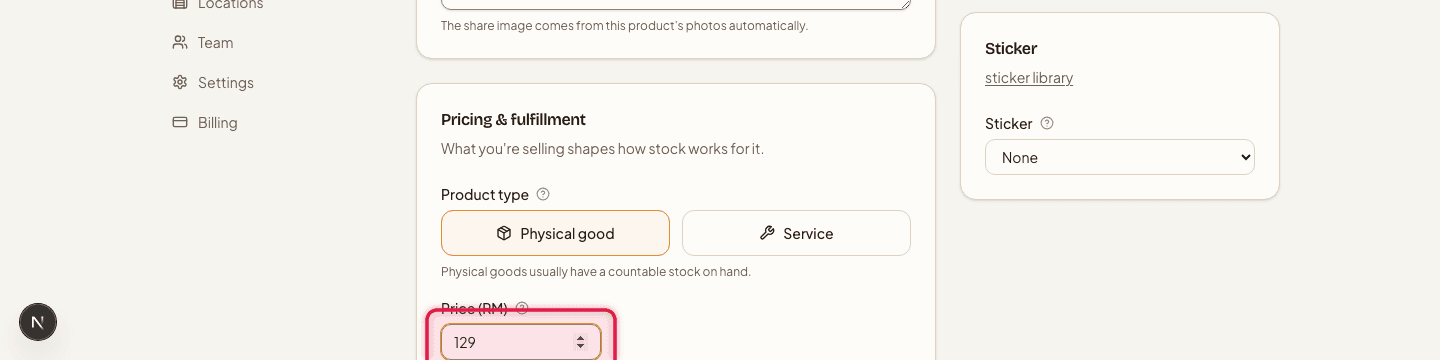
Set pricing & fulfillment
Choose whether it's a Physical good or a Service, set the Price (RM), toggle Track inventory if you want stock counts enforced, and optionally add a Weight (kg) and a shipping surcharge.
- 6
Add variants
Set up to 3 option types, like Size, Color, or Material. Each variant can have its own SKU, a price override (leave blank to inherit the product price), its own image, and stock tracked per location.
- 7
Set the status
Save as Draft to keep it hidden, Active to publish it, or Archived to retire it without deleting it.

Plan limits
- Products
- Unlimited on every plan
- Image storage
- Free 250MB · Starter 5GB · Pro 100GB (5MB per photo on every plan)
Per-product search title and meta description — and Google Shopping structured data — need Starter or up. On Free, products still inherit your store-level SEO settings.
Still stuck?
Contact us and we'll help you sort it out.