Browse all guides
Offer your store in multiple languages
Switch on language switching for customers, and keep the admin dashboard in whichever language you prefer to work in.
Store language and admin language are two separate settings. Store language is what customers see and can be switched by them; admin (system) language only affects your own dashboard and is set per device.
- 1
Turn on language switching
Go to Settings → General and enable Offer language switching on my store.

- 2
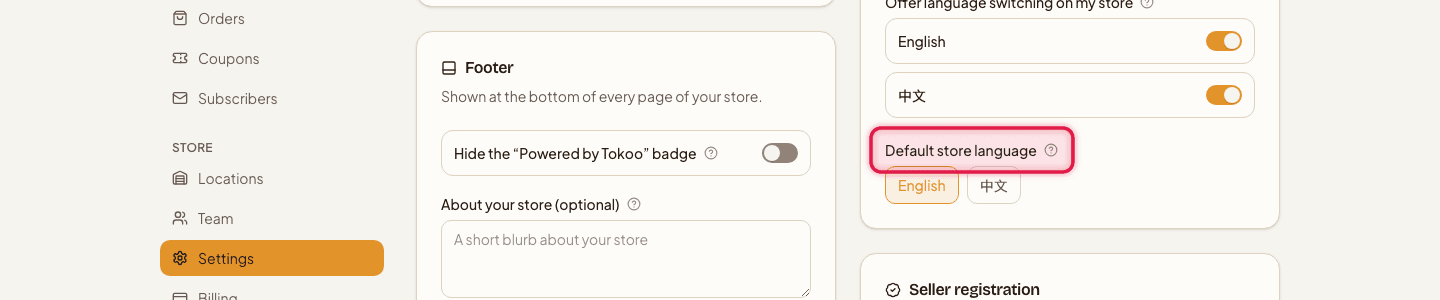
Set your default language
Choose the Default store language customers land on first.
- 3
Translate your content
On products and categories, use the Translations tab to add the other language's copy.

- 4
Set your own dashboard language
This is separate — change it wherever the system/admin language control is shown; it only affects what you see, not your customers.

If you don't turn on language switching, your store simply runs in a single language — nothing else changes.
Still stuck?
Contact us and we'll help you sort it out.