Browse all guides
Win back shoppers who leave without paying: cart reminder email
Turn on the automatic reminder that emails shoppers who left items in their cart, with a link straight back.
Many shoppers fill a cart and then get distracted. With the cart reminder on, when a shopper has given their email at checkout, put things in the cart and left without paying, Tokoo sends them one friendly reminder about an hour later — in your store's name, with a link that takes them back to their cart. It is a Starter and Pro feature, and it is on by default once you have the plan.
- 1
Open Settings → Checkout
Click Settings in the left menu, then Checkout.
- 2
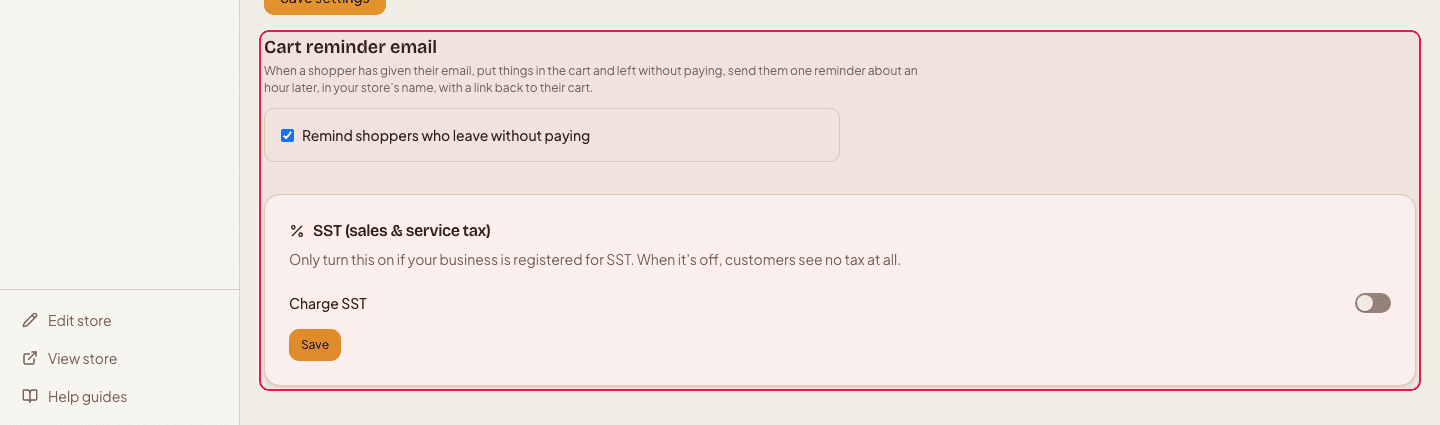
Switch the reminder on or off
Find the “Cart reminder email” card and use the switch “Remind shoppers who leave without paying”. Switch it off if you would rather not send these. On the Free plan the card says the feature is part of Starter.
- 3
Check what it brought back
Once reminders have been sent, the same card shows how many orders the reminder brought back in the last 30 days and how much they were worth.
What gets sent, and when
- Who
- Only shoppers who typed their email at checkout and did not pay. Shoppers who then pay are never emailed.
- When
- One reminder, about an hour after they left. It is never sent twice for the same cart.
- Looks like
- An email from your store name, replies go to your store's contact email, with the items they left and a button back to the cart.
Make sure your store's contact email is set (Settings → General, footer section), so a shopper's reply reaches you.
Still stuck?
Contact us and we'll help you sort it out.