Browse all guides
Add lots of products at once from a spreadsheet
Download the template, fill it in Excel or Google Sheets, save as CSV and import up to 200 products in one go.
If you already have a list of products, you do not need to type them one by one. Import them from a CSV file: up to 200 products and 500 KB at a time. Only Name and Price are required.
- 1
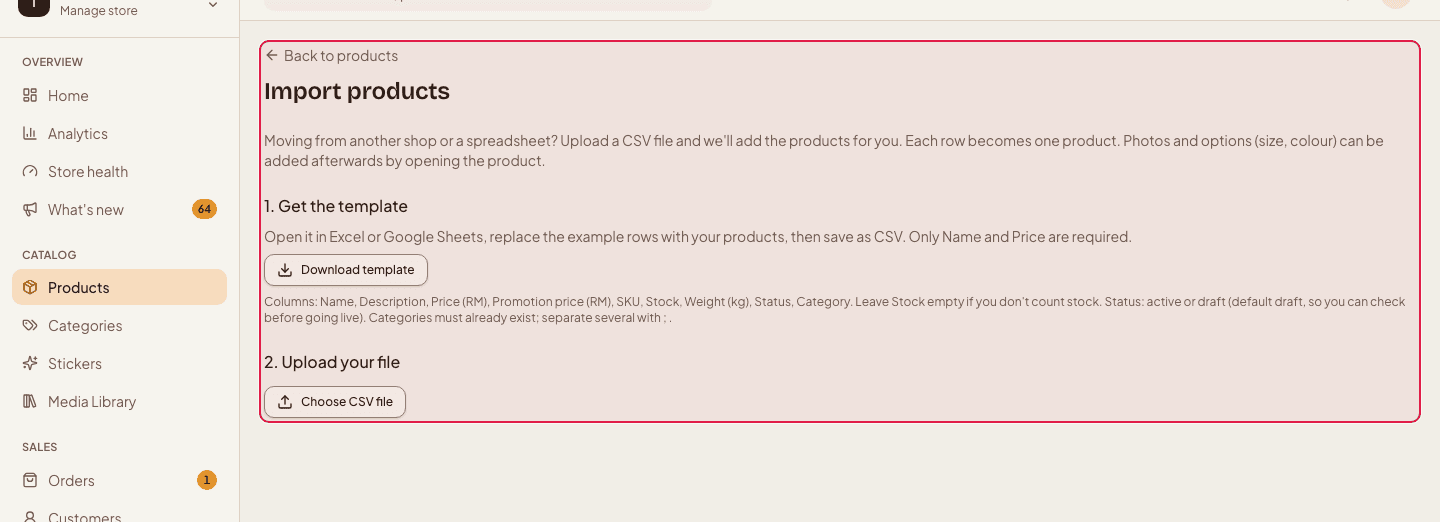
Open the import page
Go to Products and press Import. The page walks you through three steps.
- 2
Download the template
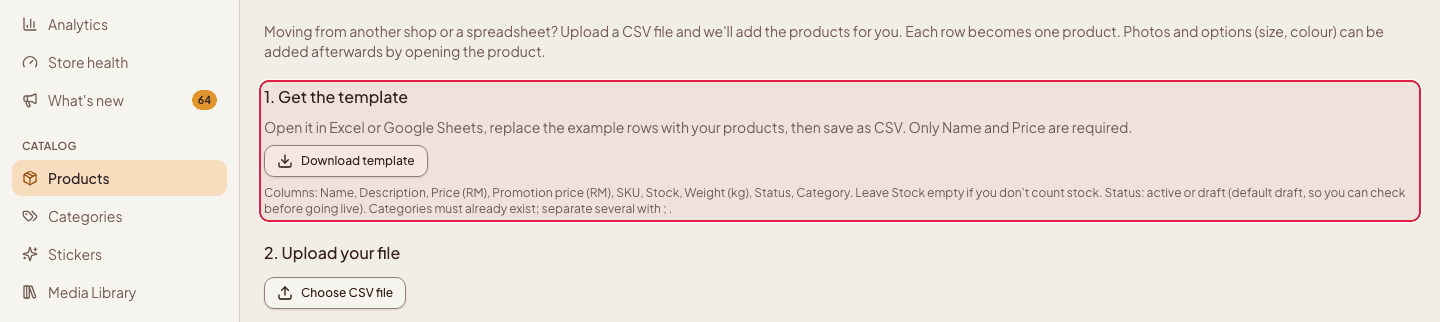
Under “1.” press Download template and open it in Excel or Google Sheets. Replace the example rows with your products.
- 3
Know the columns
The columns are Name, Description, Price (RM), Promotion price (RM), SKU, Stock, Weight (kg), Status and Category. Leave Stock empty if you do not count stock. Status is active or draft (the default is draft, so you can check before going live). Categories must already exist; separate several with a semicolon.
- 4
Save as CSV and upload
Save the sheet as CSV, then in step 2 press Choose CSV file.

- 5
Check and import
Step 3 lists every row with Ready or what is wrong (for example a price that is not a number, or a duplicate SKU). Rows with problems are skipped; fix them in the sheet and import again. Press Import to add the ready ones.
- 6
Add photos and publish
Imported products are saved as drafts unless the file said active. Open each product to add photos and options, then publish it.
Photos are not part of the import. Add them from each product's page, or from your Media library.
Still stuck?
Contact us and we'll help you sort it out.