Browse all guides
Get people to your store: start here
Where to share your store, how to see what works, and which platform to try first.
Your store is online — now people need to find it. The Promote page gives every platform its own link, so Analytics can tell you which one brought the orders.
- 1
Open Promote
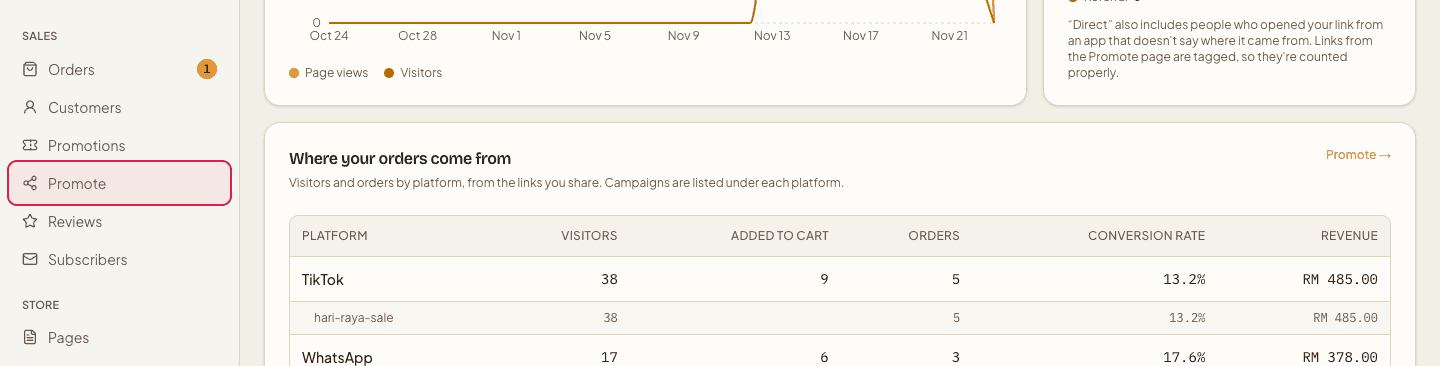
In the left menu, under Sales, open Promote. You will see one card per platform, each with a link that is already tagged.
- 2
Start with one or two platforms
Pick where your customers already are. For most Malaysian shops that is WhatsApp, Facebook and TikTok. Doing two well beats five badly. The first time, Promote asks which platforms you post on: press the ones you use, and add or remove platforms later with “Add a platform”.
- 3
Copy that platform’s link
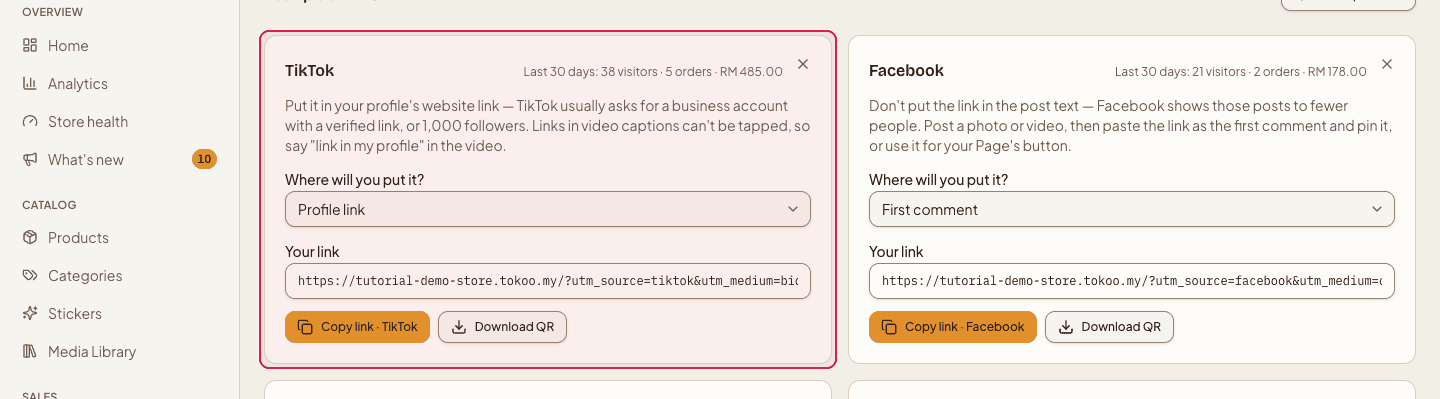
Choose where you will put it (profile link, Story, first comment…) and press Copy link. Each platform lets people tap a link in different places, and the card tells you where.
- 4
Post, then check Analytics
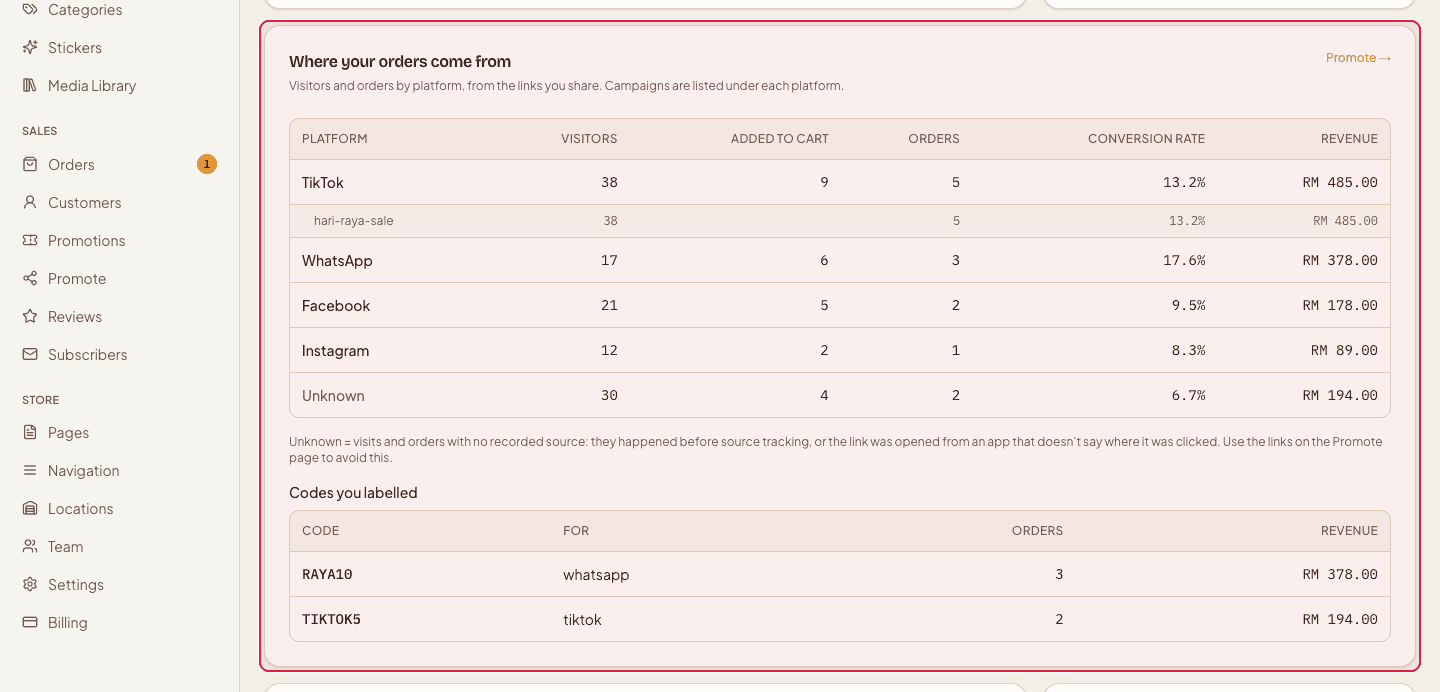
A few days later open Analytics and look at “Where your orders come from”. It shows visitors and orders for each platform and campaign.
Other platforms: Xiaohongshu links usually can’t be tapped, so keep your store name the same everywhere so people can search for it. X reaches fewer people in Malaysia than the others, so try it last.
Links in post captions are usually hidden or can’t be tapped. Put the link in the one place the platform allows — Promote tells you where.
Visitors from an app that doesn’t say where it came from show up as “Unknown” or “Direct”. Always use the links from the Promote page so they are counted properly.
Still stuck?
Contact us and we'll help you sort it out.